
.webp)
You didn't lose that job on price. You lost it three months before you even quoted.
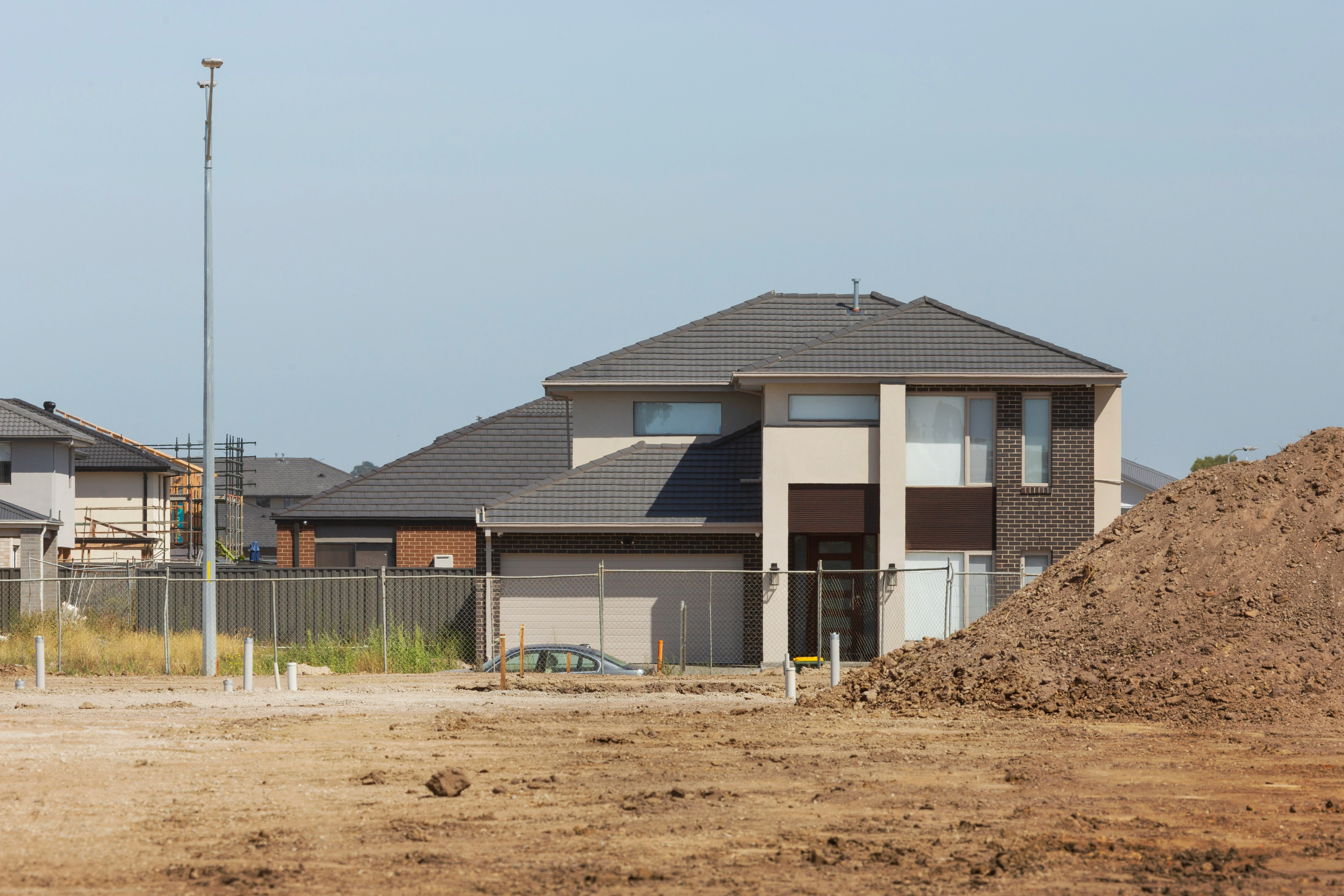
By the time the plans land in your inbox, the owner has already spoken to three other builders. One met the architect months ago. Another door knocked the block before the development application (DA) went in. You're quoting to make up the numbers, and you can feel it.
If that sounds familiar, the problem isn't your pricing or your team. It's the way work reaches you. Here are six signs it's time to rethink how you find construction leads in Australia, and what to do about each one.
1. You only hear about a job once it is already at tender
If your first contact with a project is an email asking for a price by Friday, you're already behind. Owners and architects build their shortlist early. Often not long after the DA has been submitted.
What to change: move your first contact earlier. DAs are public the moment they're lodged. Buildscout pulls them together from every council in your desired area, plans and supporting documents attached, so one development application search replaces a morning of portal hopping. Buildscout’s data refreshes daily, so you catch the job the moment it’s lodged.
2. All your work comes from the same two or three sources
Referrals are the best work you will ever get. They are also the work you control least. A referral pipeline feels healthy right up to the quarter where two clients delay and one architect goes quiet.
What to change: keep the referrals. Add a channel you control. Most lead generation for builders fails because it only gets switched on when work goes quiet, three months too late. Buildscout flips that. Set up architect notifications once, and you’re told the moment a regular architect lodges something new. The channel keeps working while you get on with the job in front of you.
3. You are buying construction leads that five other builders bought too
Shared lead platforms sell the same enquiry several times over. You pay for the contact. Then you compete on speed and price with everyone else who paid for it too. Margin drops, quoting hours climb, and the client learns to treat builders as interchangeable.
What to change: stop buying contacts. Start finding projects. A lodged DA is a public record of an owner who has committed money to a design and will need a builder. Buildscout's contact data tells you who the homeowner, company, and planning agent is.That's the difference between writing to the right person and posting into the void.
4. You keep getting the wrong projects and enquiries
Look at your last ten enquiries. How many were the work you actually want, at the value you need, within a sensible drive of the yard? For most SME builders, the answer is two or three. The rest still cost you a call, a site visit or half a day of pricing before you can rule them out.
What to change: stop accepting whatever arrives. Buildscout's advanced filters let you set project type, build value, unit count, and even the materials named in the plans, so only the jobs that fit your targeted area. You can see how the search and filters work before you commit to anything.
5. Quoting hours are climbing and your win rate isn’t
Count the hours you or your estimator spent quoting last quarter. Now count the contracts you won. Quoting more for the same result isn't a marketing problem. It's a qualification problem.
What to change: qualify before you price. Buildscout's keyword search scans the proposal documents and drawings for you, so you can check the build type, scale and materials without opening forty PDFs. You get the full set of documents and drawings for every project too, so you can scope the value of the job properly before you commit to a quote. Rule a job out in minutes and you've saved the quote, not just the read.
6. Your pipeline isn’t predictable
Could you name what you'll be building in six months? An unpredictable pipeline makes every decision harder. You hold off hiring because you can't promise work past Christmas. You run flat out for two months, then quiet for one, and the quiet month eats the margin.
What to change: build a forward view, not a bigger funnel. Applications lodged this month are the jobs starting later this year. Draw your area in Buildscout, filter by planning stage, and next quarter stops being a guess. It becomes a list you can count.
How to get construction leads without buying them
None of the six signs above needs a big marketing budget to fix. Just four things:
- 15 minutes a day is all it takes: Buildscout surfaces new DAs in your area, filtered against your criteria, so there’s no portal hopping.
- Know your ground. The suburbs and radius you want to work in, drawn on a map, not held in your head.
- A defined job. Project type, value range and structures that suit your team.
- Show up first. Set Buildscout to automatically send a letter to every project that matches your filters, then track which ones turn into conversations.
The hard part isn't the idea. It's the time: dozens of council portals to check every week, and enough of each application to read to know if the job's worth chasing. Want to sense check your market first? The ABS Building Approvals release publishes building approvals data by state each month.
Where Buildscout fits
Buildscout approaches construction lead generation from the other end. It doesn't sell you an enquiry. It brings development application data into one place so you can draw your area on a map, filter for the jobs you want, search the application documents, and get told when something new lands. From there, Buildscout can send the first letter for you, automatically, to every project that matches your filters, putting you in front of the decision maker before most builders have even heard the opportunity exists. You find out at lodgement, not at tender.
Reach out to the Buildscout team today to discover the ideal plan tailored to your requirements.
- See the platform in detail: how Buildscout works for builders
- Compare licences and inclusions: Buildscout pricing
- Talk it through with our team: book a Buildscout demo


.webp)
.webp)


.jpg)






.png)